

Introduction
Google Tag Manager is used to manage your website’s marketing tags. It has several advantages, such as the creation of tags, easy integration with Google analytical tools, faster loading time, and display of fired tags.
Before integrating Drupal with Google Tag Manager, generate a container ID. To do so, follow the steps mentioned below:-
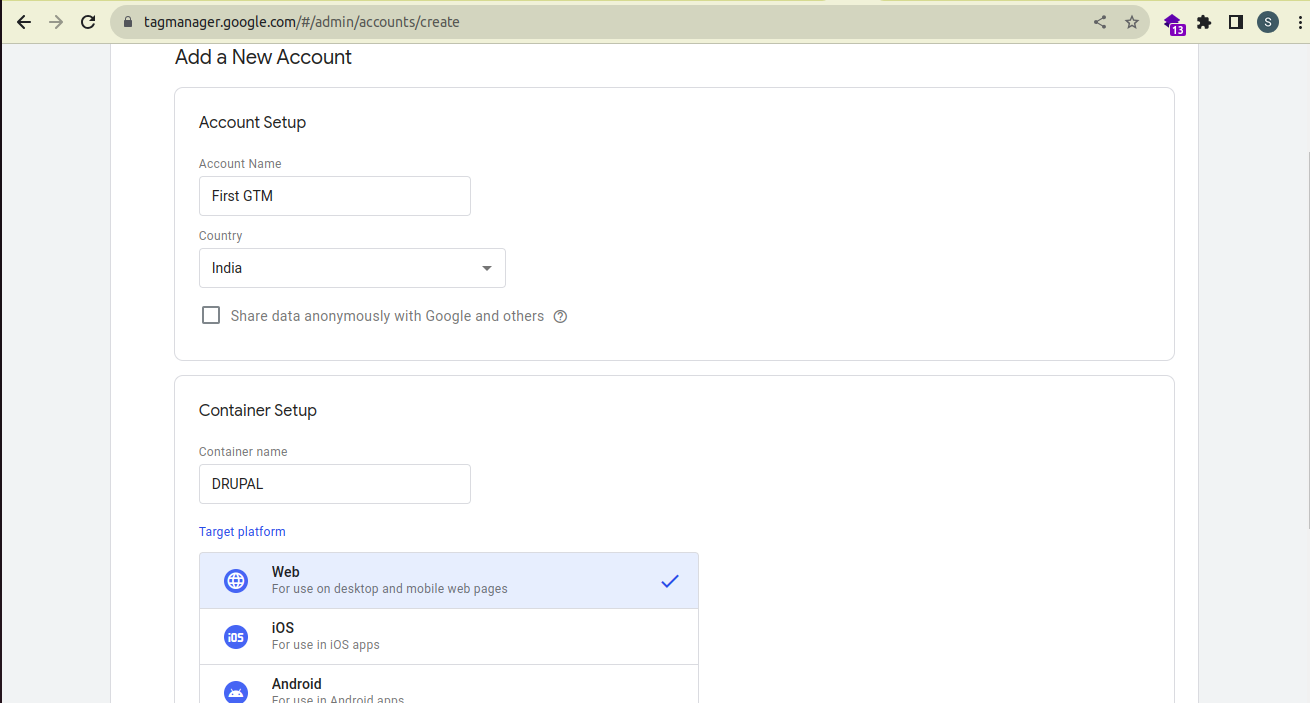
1. Sign-up at https://tagmanager.google.com/. Select account name and country name. Also, provide a name for the container, choose a target platform, and save the details.
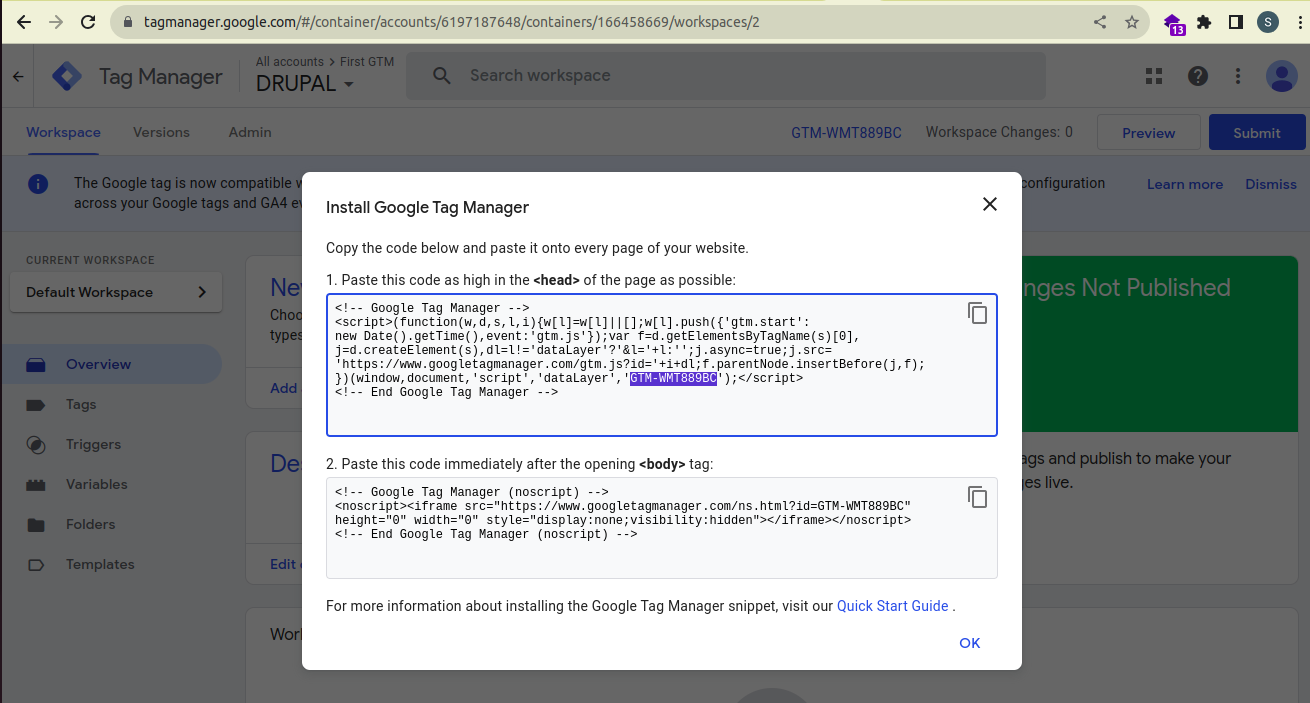
2. Once done with the above step, you can see a pop-up that has the container id starting with ‘GTM-‘.Copy it for integration of GTM with Drupal.
Installation and configuration of Google Tag module:-
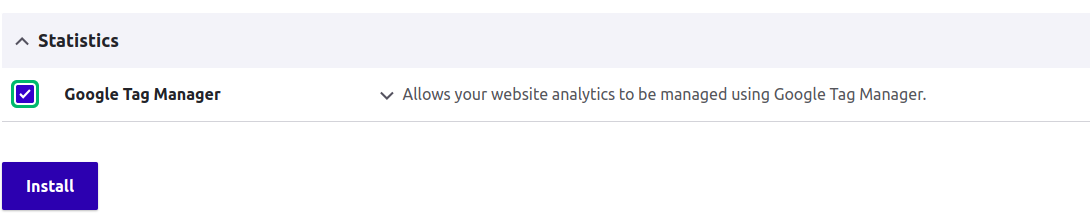
Step 1:- Install the module like any other Drupal module using composer command and enable it using either drush or manually with the help of Drupal’s UI as shown in the screenshot below:-
Step 2:- Under Configuration, go to System and click on Google Tag Manager. Here you can see the container page.
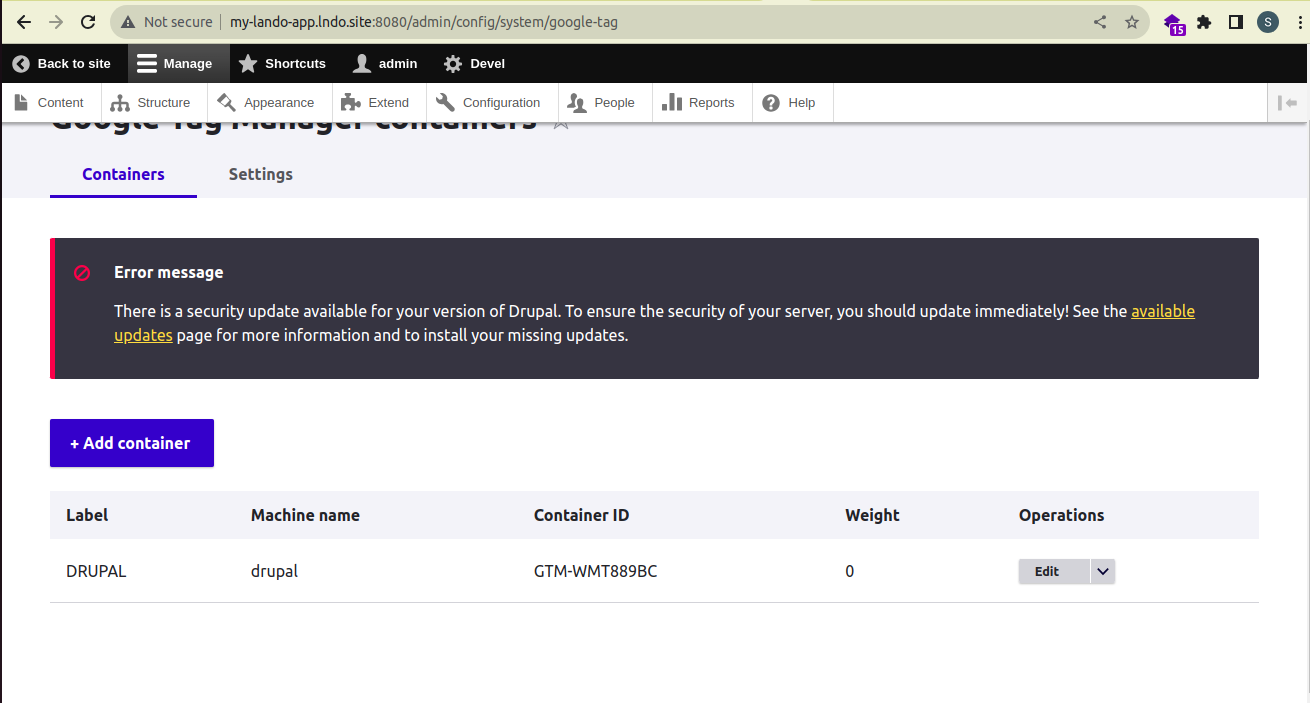
Step 3:– Click on “+Add container”. Fill in the required details, such as label, container id (which you generated from https://tagmanager.google.com/) and save the details.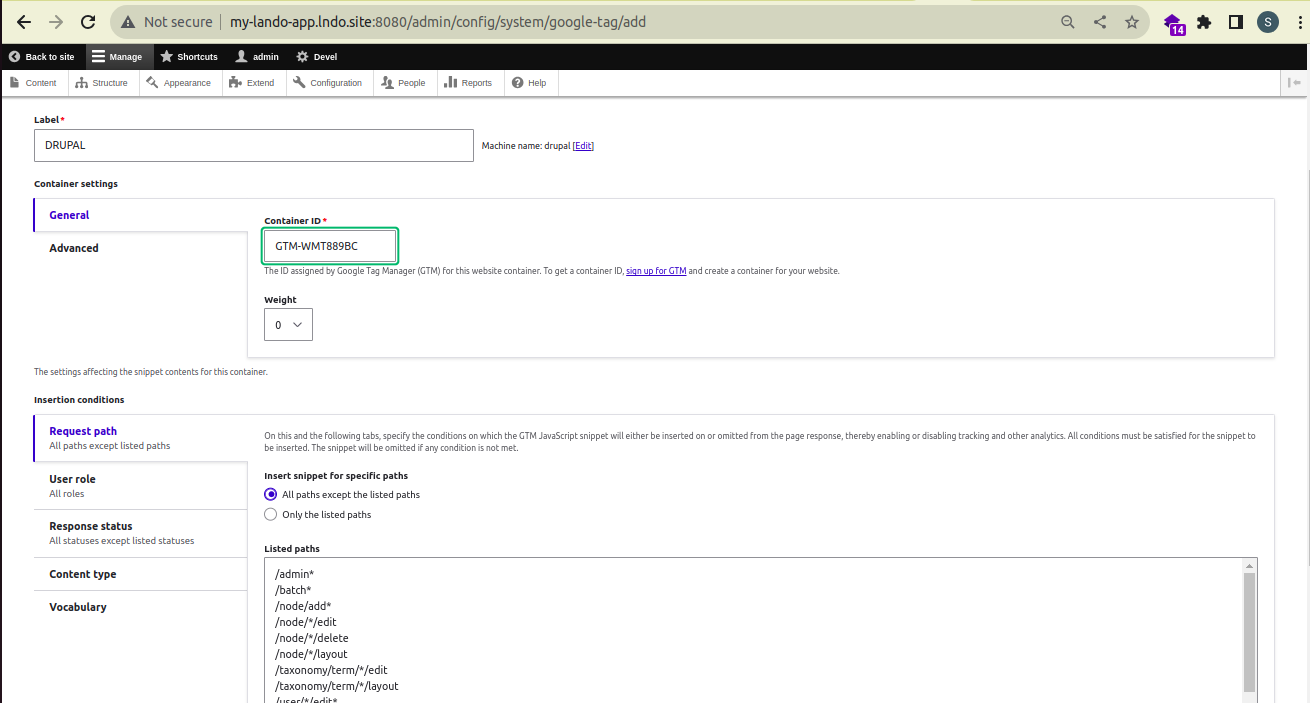
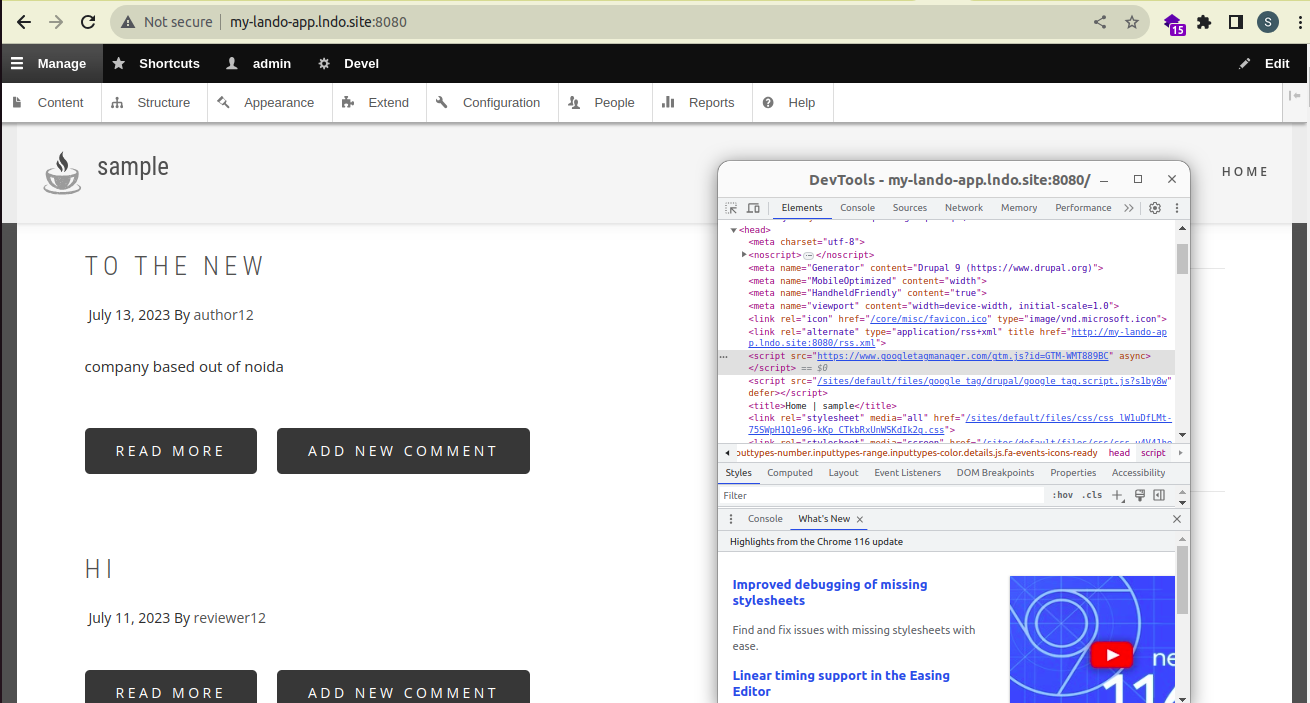
Step 4:- To verify the successful configuration of Google Tag Manager in your site, visit your site’s homepage, inspect it, and you can find it in the <head> tag as shown in the screenshot below:-